2FA Authenticator App Guide: Essential Protection for Your Digital Accounts
This 2FA authenticator app guide is your essential tool in a digital age where password-only protection simply isn’t enoug,. Can a single login really protect everything you store online, and have you considered how easily attackers can bypass weak credentials when 2FA isn’t in place.
Cyberattacks today are faster, smarter, and more aggressive—making two-factor authentication not just recommended, but absolutely necessary, With an authenticator app, you get a second layer of defense that generates unique, time-based codes every time you log in. It’s quick to set up, incredibly effective, and puts you back in control of your digital privacy.
And if you rely on your phone for blogging, business, or daily communications, check out this expert guide to top security apps for iPhone to reinforce your overall device security while implementing 2FA.
Get ready to discover why SMS 2FA is falling out of favor, how to choose the right authenticator app, and how to secure your accounts with confidence in 2025 and beyond.


Why Two-Factor Authentication Matters
The Rise in Digital Threats
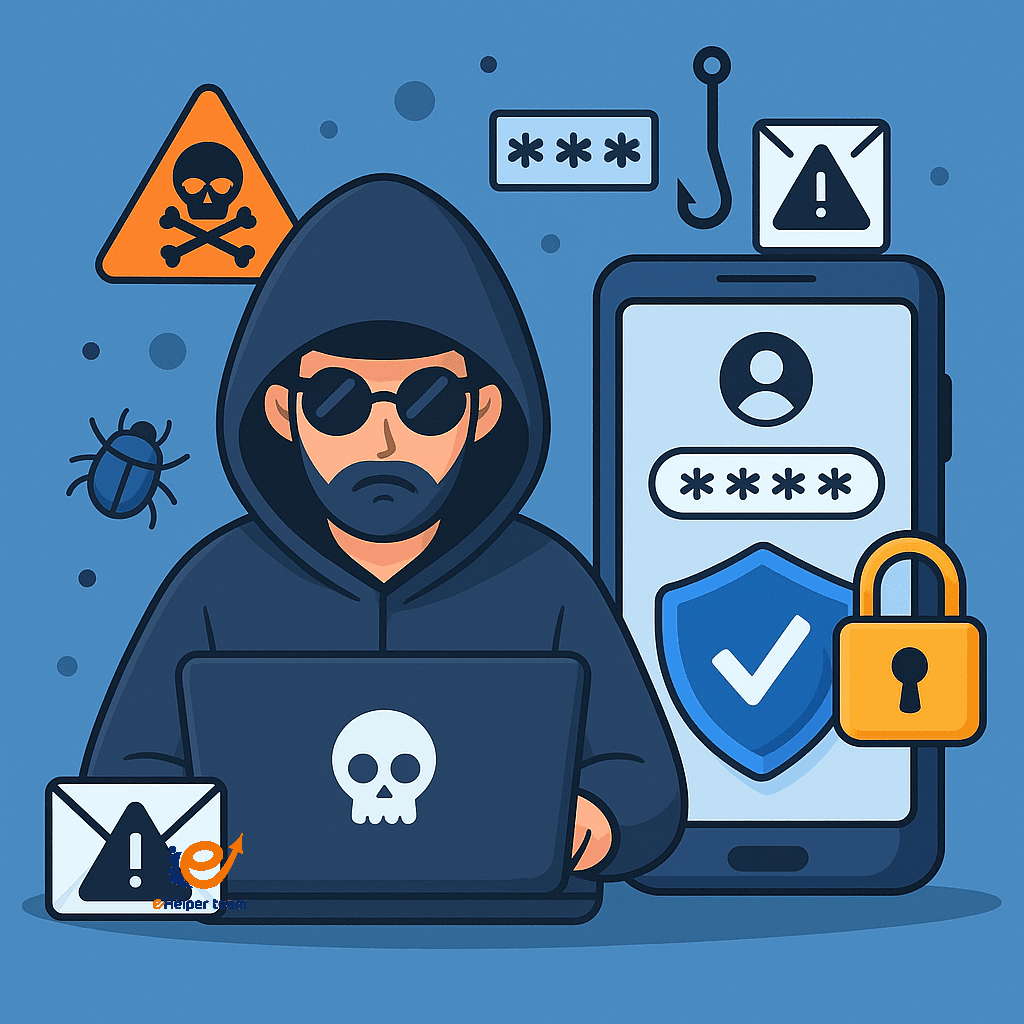
Online threats have grown rapidly. Phishing emails, social engineering, and credential stuffing attacks are now everyday occurrences. Attackers don’t need much—just a leaked password or a weak PIN—to breach your privacy.
Real-World Consequences of Weak Passwords
In 2023 alone, millions of accounts were compromised due to reused or weak passwords. From personal banking to social media, the loss of data and identity has led to financial ruin and emotional stress for many.
2FA acts as your second line of defense. Even if someone knows your password, they won’t access your account without your second verification step.
How Does an Authenticator App Work?
Understanding Time-Based One-Time Passwords (TOTP)
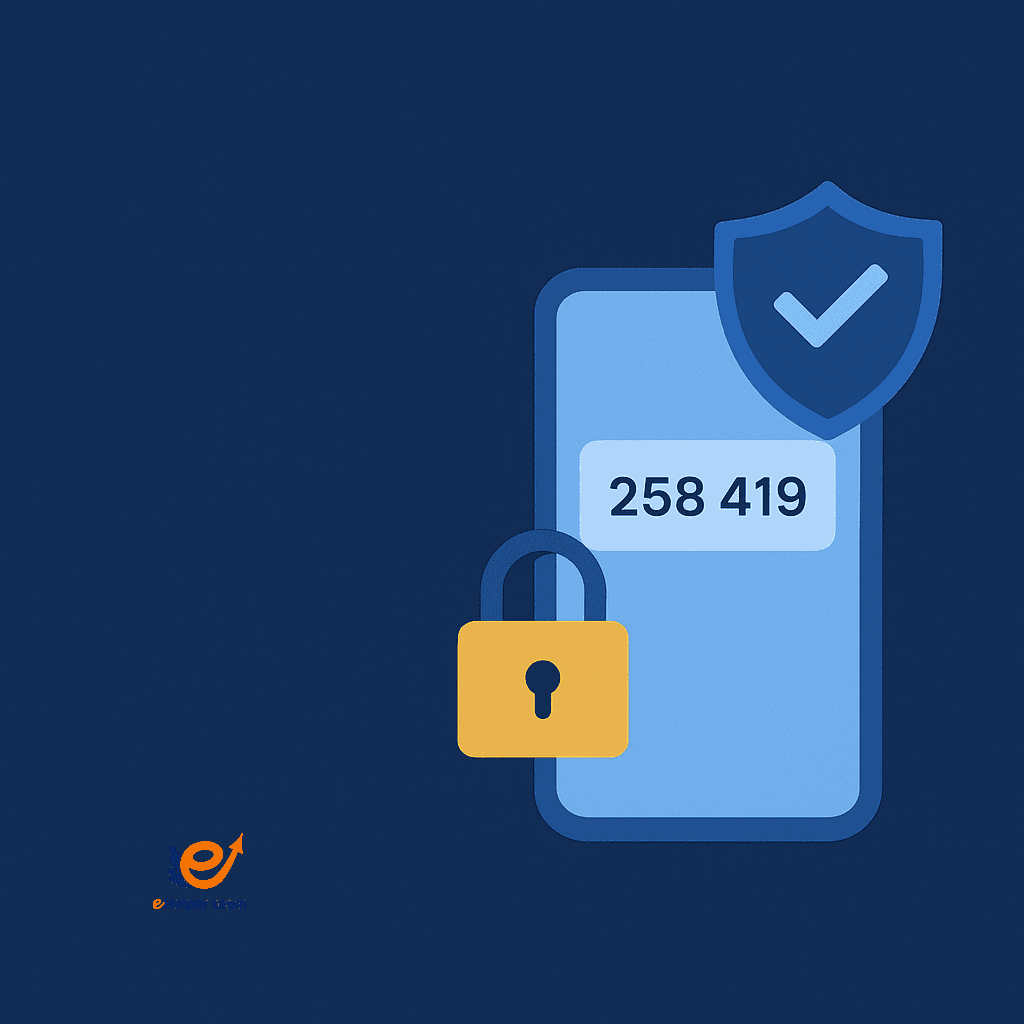
Authenticator apps use a system called TOTP (Time-based One-Time Passwords). Every 30 seconds, the app generates a new, temporary 6-digit code. This code is synced with your online account’s settings, so only you (with your phone) can log in.
Syncing With Your Online Accounts
Setting up the app involves scanning a QR code during account login setup. Once connected, each time you log in, you’ll be asked for a code from the app. Without it, access is denied—even if your password is correct.
How to Set Up 2FA Using an Authenticator App
Choosing the Right App
Some of the most popular options include:
Google Authenticator
Authy
Microsoft Authenticator
Each offers slightly different features, including backup options and device syncing.
Step-by-Step Setup Process
Install your preferred app from the App Store or Google Play.
Go to your account’s security settings (e.g., Gmail, Facebook).
Choose “Enable Two-Factor Authentication.”
Scan the QR code using the app.
Save your backup codes in a safe place.
Test the login process to ensure it’s working properly.
Google Authenticator vs Authy: Which Should You Use?
Security Comparison
Google Authenticator is simple and doesn’t require an account, but lacks backup options.
Authy offers encrypted cloud backups and multi-device support, which is ideal if you switch phones often.
Features and User Experience
Authy has a more modern UI and supports PIN and biometric lock.
Google Authenticator is minimal but reliable.
For those needing regular backups or using multiple devices, Authy is often the better choice.
Is SMS 2FA Still Safe in 2025?
The Risks of SMS-Based Authentication
While better than no 2FA, SMS-based 2FA is no longer considered secure. Attackers can intercept text messages using SIM-swapping attacks or mobile malware.
Why Experts Recommend App-Based 2FA
Authenticator apps avoid these risks by generating codes offline and on-device. They’re also immune to delays or cellular disruptions.
Read how users enhance 2FA security while setting up crypto wallets like Rippex.
Getting Started With Hardware Authentication: YubiKey for Beginners
What Is a YubiKey?
A YubiKey is a small physical device that connects to your computer or phone via USB or NFC. When plugged in during login, it completes your second-factor verification.
How It Enhances 2FA Security
Unlike apps, YubiKey can’t be cloned remotely. It’s immune to phishing, and highly recommended for business or financial accounts.
Top Use Cases for Authenticator Apps
Social Media Logins
Securing platforms like Instagram, Twitter, and LinkedIn is vital, especially for influencers and businesses.
Banking and Cryptocurrency Accounts
Financial services demand the highest security. Most platforms now recommend or require authenticator apps to access wallets or accounts.
Common Issues With 2FA and How to Avoid Them
What If You Lose Your Phone?
Losing your phone can lock you out. Always save your backup codes and consider linking your 2FA to cloud backup if your app supports it.
Recovery and Backup
Apps like Authy allow multi-device syncing and encrypted cloud backups—helpful if you need access during travel or phone replacement.
Staying Secure Beyond 2FA
Password Managers
Tools like Bitwarden or 1Password store complex passwords securely, making it easier to use strong, unique passwords.
Biometric Authentication
Fingerprint and facial recognition are becoming more common and offer another layer of protection on top of 2FA.
For broader security across platforms like MinerGate, see this tutorial on starting with MinerGate securely.
Regulatory Importance of 2FA in 2025
Two-factor authentication isn’t just smart—it’s becoming a legal expectation. This 2FA authenticator app guide wouldn’t be complete without showing how regulations are changing the game in 2025.
Many industries now require 2FA to comply with laws like GDPR (Europe), HIPAA (USA healthcare), and PCI-DSS (financial services).
Regulators consider app-based 2FA more secure than SMS, especially for safeguarding sensitive user data
Failing to enable 2FA could expose companies to fines, audits, and lawsuits.
Enterprise-grade authenticator apps are being adopted by businesses to meet compliance and avoid penalties.
Organizations handling customer data are expected to provide robust multi-layered security, starting with app-based 2FA.
User Confidence and the 2FA Experience
Even beyond compliance and security, this 2FA authenticator app guide reveals a lesser-known benefit—how using two-factor authentication builds psychological trust and user confidence in digital environments.
Activating 2FA reduces anxiety around account security and data privacy.
It promotes a proactive mindset toward personal cybersecurity.
Employees with 2FA show higher confidence in corporate systems.
Families adopting app-based 2FA develop safer online habits together.
Users become more responsible and aware of digital threats.
Frequently Asked Questions About 2FA
Q1: Can I use the same authenticator app for multiple accounts?
Yes. Most authenticator apps support multiple accounts. Just scan the QR code for each new service and save them in your app.
Q2: What happens if my phone is stolen?
If your app doesn’t support cloud backup, use recovery codes. If it does, reinstall the app and restore your data.
Q3: Is 2FA enough to stop hackers?
2FA greatly improves your security, but combining it with strong passwords and secure devices is even more effective.
Q4: How often should I update my 2FA settings?
Review and refresh your 2FA setup at least every six months, especially if you change phones or email providers.
Q5: Are all apps equally secure?
No. Always choose apps from verified developers with strong reviews and frequent updates. For context on app safety, see detailed reviews on this source.
Conclusion and Final Thoughts
Securing your digital life doesn’t have to be complicated. With the help of this 2FA authenticator app guide, you’ve learned how to:
Choose the right app
Set up protection in minutes
Decide between Authy and Google Authenticator
Avoid SMS vulnerabilities
Use YubiKey and backup methods confidently
As digital threats evolve, so should your defenses. Enable 2FA today, secure your data, and explore your options. It’s time to take control of your online safety.
Read also: Why QUBE is a Must-Have in Your MEXC Portfolio: Key Insights and Analysis